maxman
Well-known member
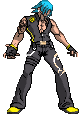
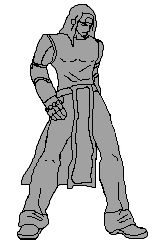
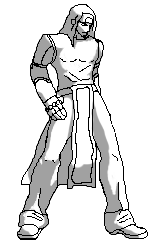
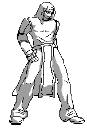
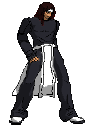
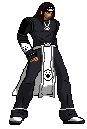
I didn't know where I went wrong with resizing and the darkness of the lines when I reduced the colors (probably using brush tool)
Resizing is not my point and it's not a problem, but my point was the sharpening and cleaning of the sprite after resizing and shading. For reducing colors, I mean going to Indexed the colors to 5-6 colors in the color table when it's black-and-white or grey (with greyscale). If you used one of the low-res characters (e.g. Capcom VS SNK, King of Fighters, Marvel VS Capcom, etc.) as height and width sized reference for resizing, then that's good. If you made a mistake by resizing like too small or too big or whatever size without any reference of characters, you need one of them for the size so you can fix. And now I see why you couldn't clean it 'cause you don't have a pen tool in Photoshop.
I used Photoshop before and now I completely forgot about it ('cause I never used them for spriting when I didn't know about the spriting tutorials so I usually use a laptop).
Good luck in finishing up Cion, man. Hope to see the improvement of your result.